- OTHONIA UPDATES
Use Your Phone to See a Photo Negative
JUNE 4, 2025
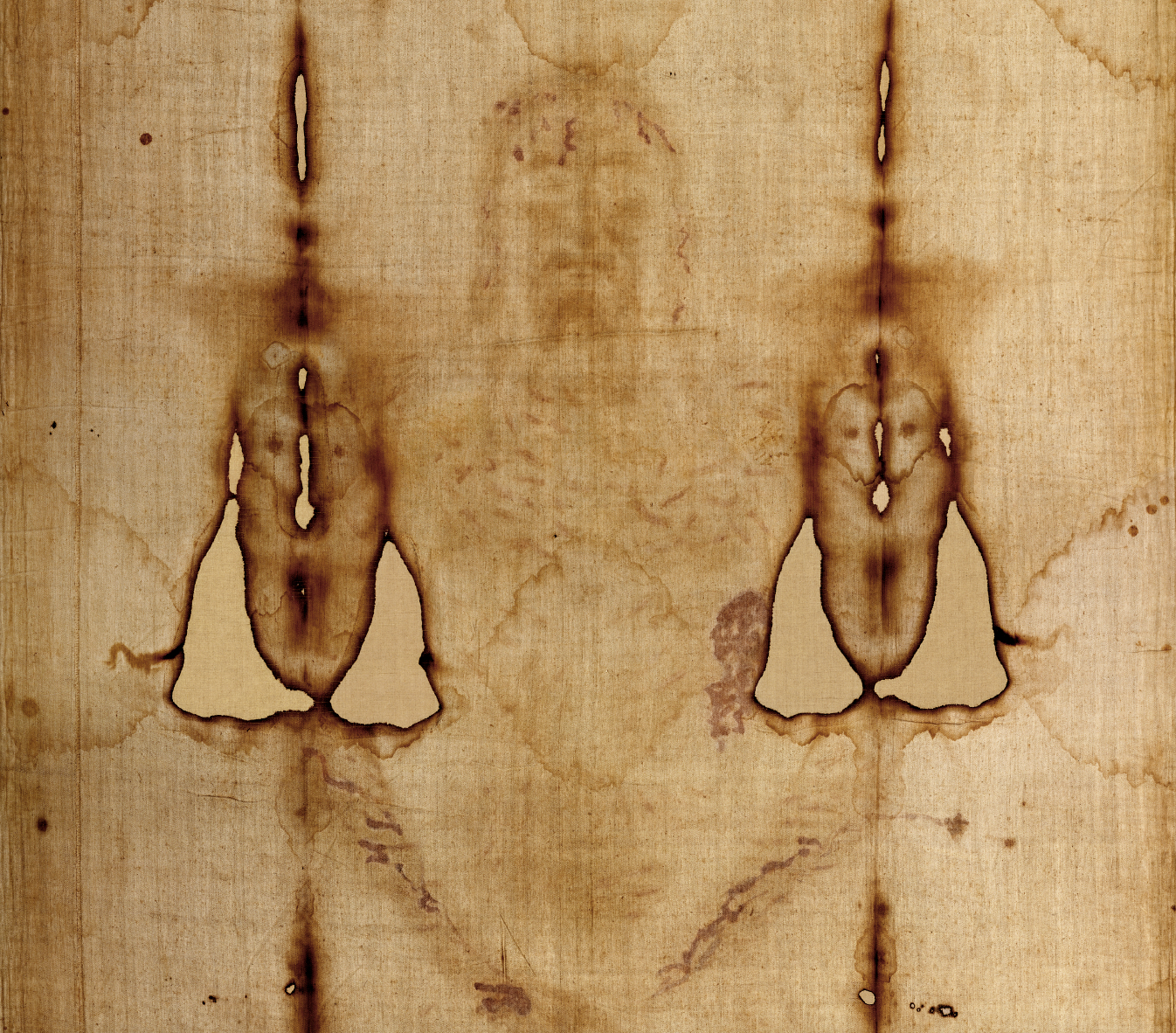
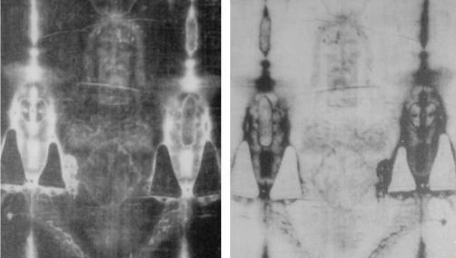
Want to see the Shroud as a photo negative, as Secondo Pia did when he first developed his picture? Follow the simple instructions below!
JUNE 4, 2025
FOR APPLE USERS
To enable display inversion (where colors are reversed) on an Apple phone,
- Navigate to Settings
- Accessibility
- Display and Text Size
- Scroll down to Classic Invert
- Toggle the switch to “On”
Detailed Apple instructions:
- Open Settings: Locate and open the Settings app on your Apple phone
- Navigate to Accessibility: Scroll down and tap on “Accessibility” within the Settings menu
- Navigate to Display and Text Size: Scroll down and tap on ‘Display and Text Size’ within the menu
- Find Classic Invert: Scroll down and tap on ‘Classic Invert’ within the menu
- Toggle the Switch: Tap the toggle switch next to ‘Classic Invert’ to turn it “On”. This will invert the colors on your screen
- Go to your camera: Point it at the Replica of the Shroud to show the ‘Photo Negative ‘ effect
- To Disable: To restore the original colors, simply toggle the switch back to “Off” in the same location
FOR ANDROID USERS
To enable display inversion (where colors are reversed) on an Android phone,
- Navigate to Settings
- Accessibility
- Color inversion
- Toggle the switch to “On”
Detailed Android instructions:
- Open Settings: Locate and open the Settings app on your Android phone
- Navigate to Accessibility: Scroll down and tap on ‘Accessibility’ within the Settings menu
- Find Color Inversion: Under the ‘Color and Motion’ or ‘Display’ section (depending on your Android version), find the option labeled ‘Color inversion’ or ‘Invert Colors
- Toggle the Switch: Tap the toggle switch next to ‘Use Color Inversion’ to turn it ‘On’. This will invert the colors on your screen
- To Disable: To restore the original colors, simply toggle the switch back to ‘Off’ in the same location
TRY IT OUT
Point Your Inverted Phone at The Shroud :
Notice the photonegative properties of the Shroud which make the Shroud look more like a real person in the invert.
Why is this? The Shroud of Turin is already the negative image of a person, so taking a negative image of a negative image– negative one times negative one– gives you a positive image!
If you point your inverted phone at a friend you will notice how their inverted image looks weird!
The idea of photonegative would have been unfathomable before photography, making it one of the many unique properties of the shroud that make it hard to replicate in medieval times or modern times.